Fixing problems
Camera or Microphone Not Working in Chrome: How to Fix It
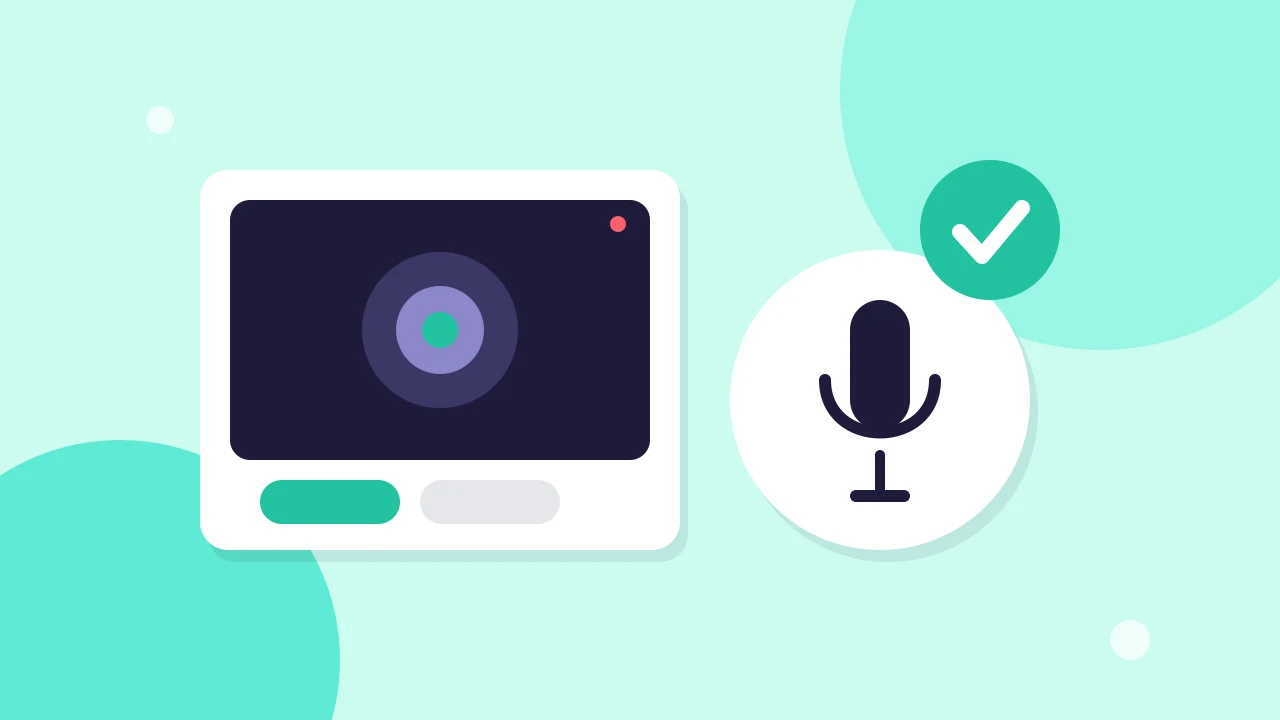
Fix a blocked or busy camera and microphone in Chrome, Edge or Safari. Read what each studio message means and allow access in the browser and your system.
Help centre
Guides for your next stream, from setup to going live.
4 articles
Fixing problems
Fix a blocked or busy camera and microphone in Chrome, Edge or Safari. Read what each studio message means and allow access in the browser and your system.
Fixing problems
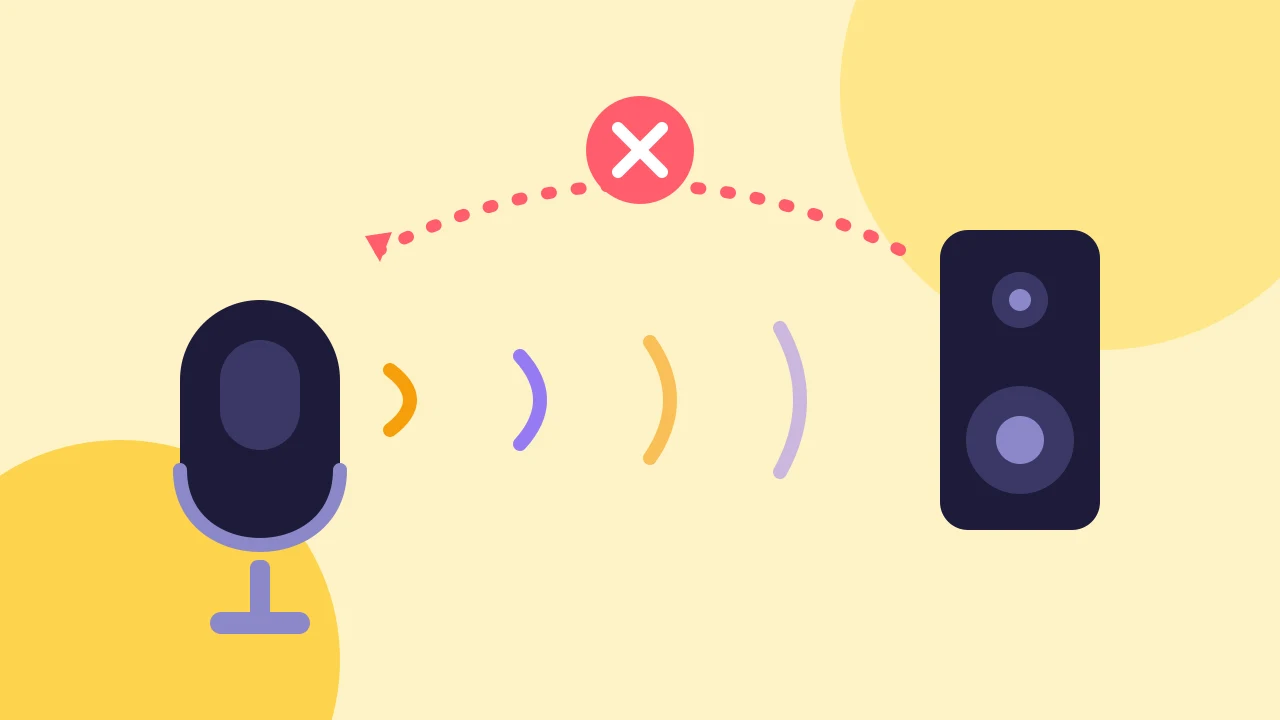
Find which microphone is picking up the loop, then fix it with headphones, one device per room and the right share settings.
Fixing problems
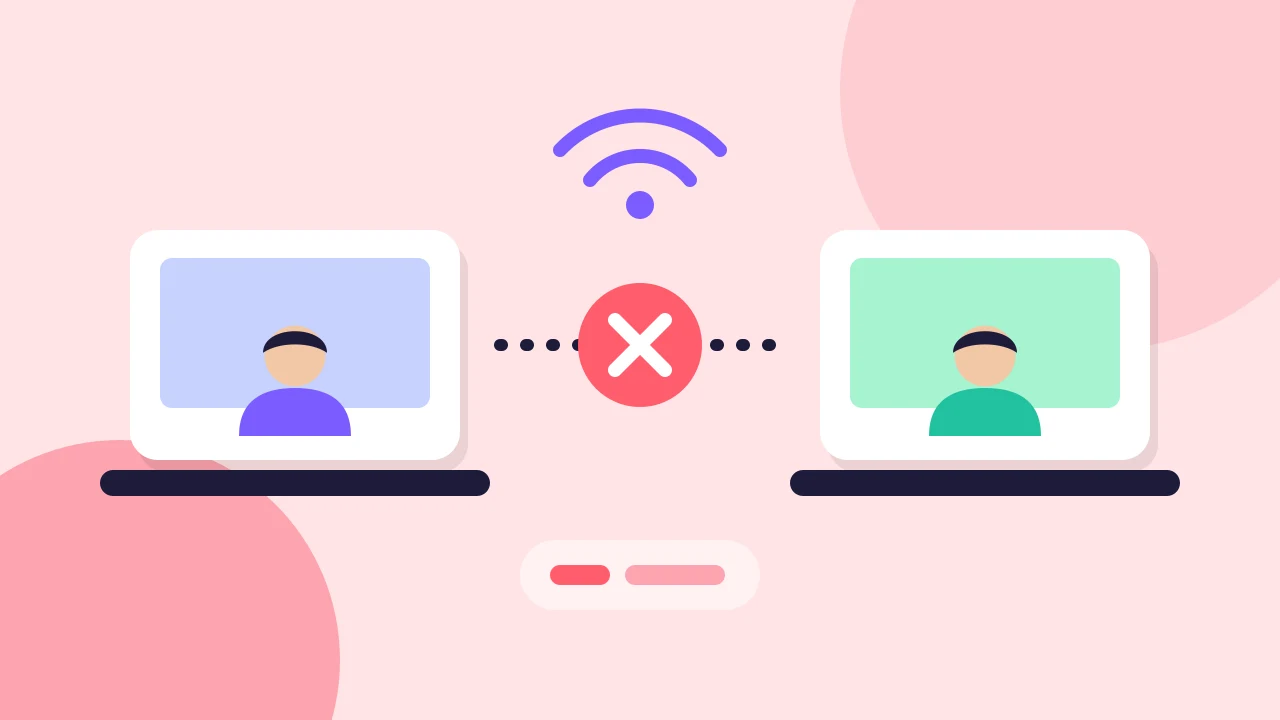
Tell guest connection from YouTube delivery, check the basics, try another network and know when to run the show with fewer people on stage.
Fixing problems
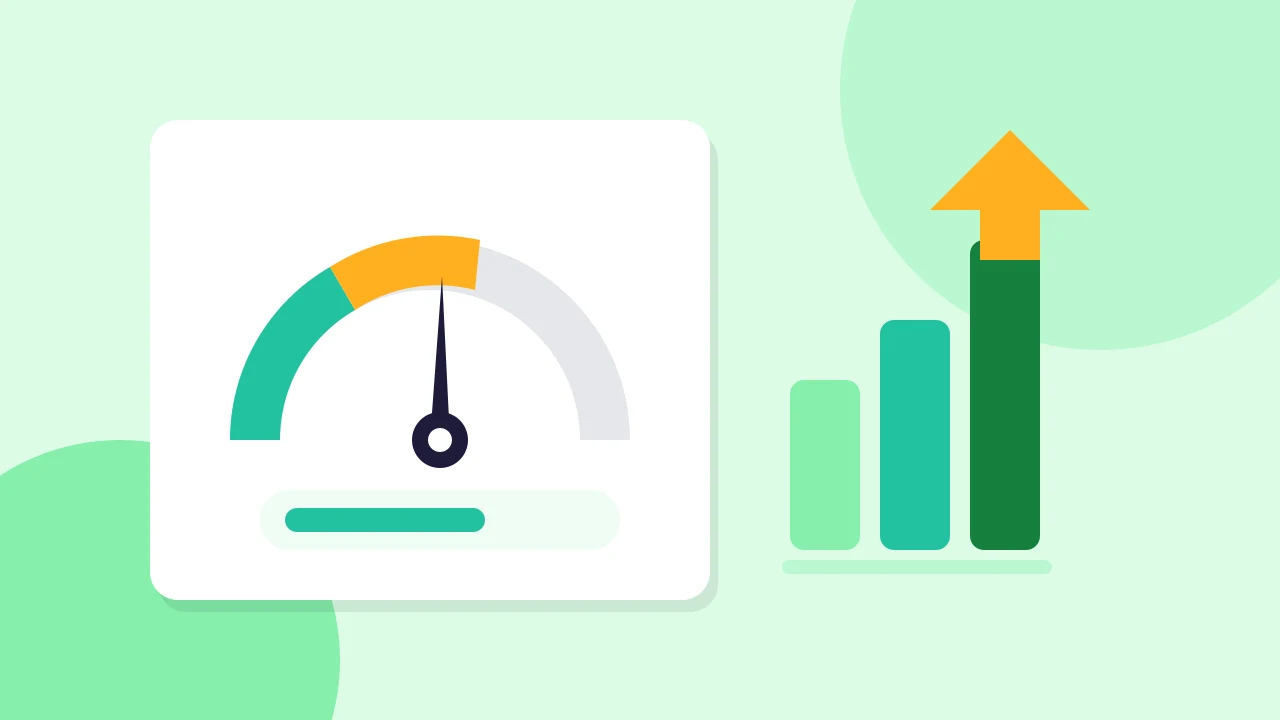
See what your computer sends to YouTube and to each guest, work out a worked example for 720p and 1080p, and choose settings that fit your connection.