Fixing problems
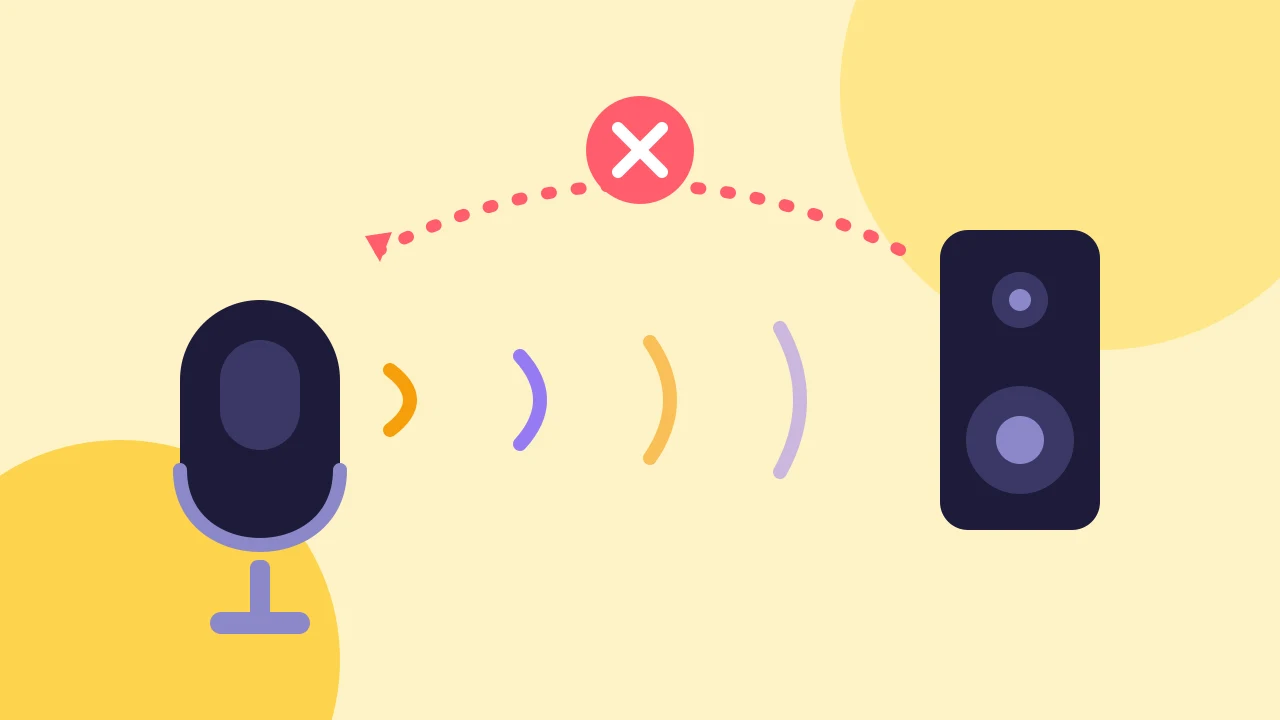
How to Fix Echo on a Live Stream With Guests
Find which microphone is picking up the loop, then fix it with headphones, one device per room and the right share settings.
Fixing problems · 2 min read
Fix a blocked or busy camera and microphone in Chrome, Edge or Safari. Read what each studio message means and allow access in the browser and your system.
When your camera or microphone is not working in Chrome, the studio tells you which layer is blocking it: the browser, your system or another app. Work through them in order. You can always enter the studio with devices off and fix it from there.
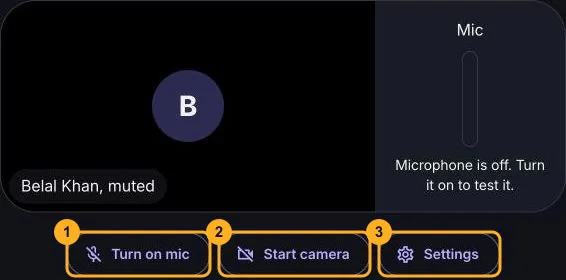
In the device check, choose Turn on mic and Start camera. Your browser asks for permission. Choose Allow. If you closed the prompt, try again and choose Allow.
| What the Studio Says | What to Do |
|---|---|
| Camera or microphone access is blocked in your browser. | Allow it in the site settings, then try again. |
| Your device blocks camera or microphone access for this browser. | Allow it in your system privacy settings, then try again. |
| A device is busy. | Close the other app that uses it, such as another video call, then try again. |
| No camera or microphone was found. | Plug one in and try again, or enter with devices off. |
| This studio is open in another tab or window. | Close the other tab. The studio stops your camera and microphone when it is open twice. |
| This browser cannot use a camera or microphone here. | Open the link in a current Chrome, Edge or Safari, not inside another app. |
Restart the browser if it was open when you made the change.
Open Settings and pick your Microphone, Camera and Speaker. The lists fill in after you turn on your mic or camera. If a camera disconnects during the show, the studio asks you to choose another one in the device settings, and you keep using your previous device if a new one fails.
If sound works but guests hear themselves, read how to fix echo on a live stream. If your devices work but a guest cannot join, see what to do when a guest cannot connect. When everything works, go on to how to live stream on YouTube with guests.
Fixing problems
Find which microphone is picking up the loop, then fix it with headphones, one device per room and the right share settings.
Fixing problems
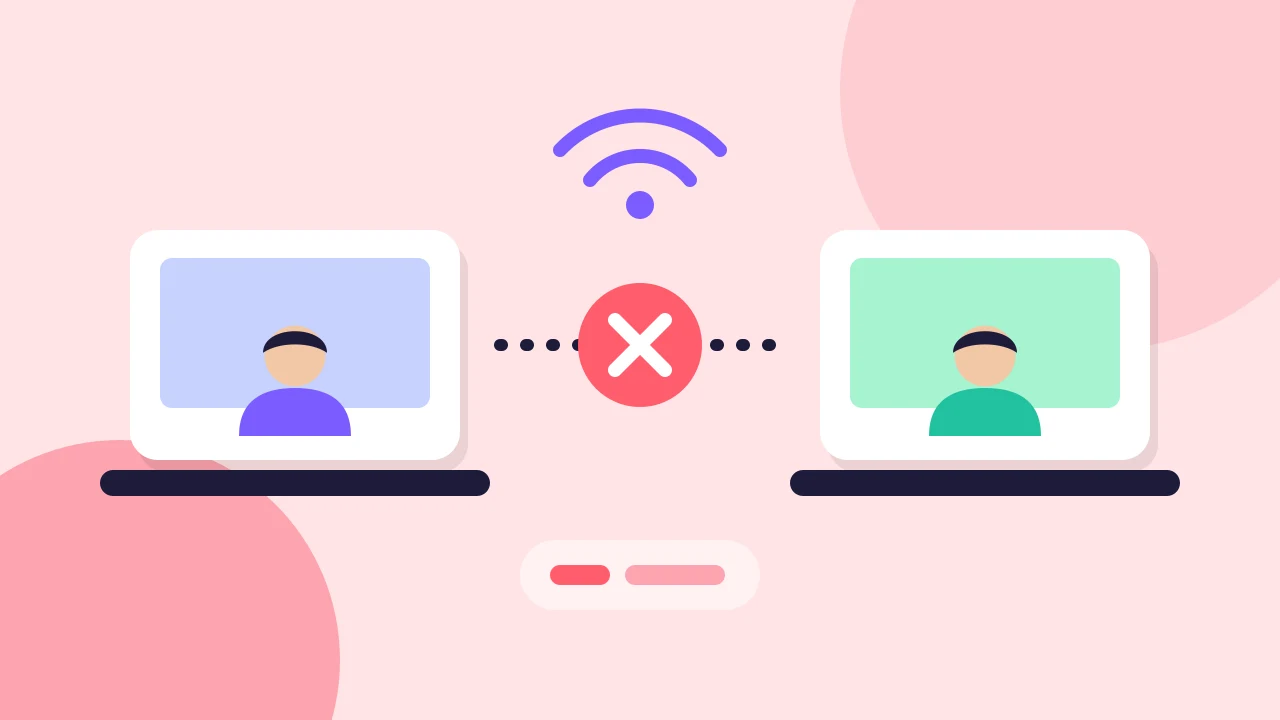
Tell guest connection from YouTube delivery, check the basics, try another network and know when to run the show with fewer people on stage.
Going live
Connect your channel, invite guests with one link and go live on YouTube from the browser. No guest accounts, no downloads and no watermark on the Free plan.