Going live
Billing, Hours, Renewals and Cancellation
Billing is not open yet. Learn what is true today on the Free plan and what we have not published about hours, renewals and cancellation.
Going live · 2 min read
Billing is not open yet and everyone is on the Free plan. See what is live today and how to compare options when paid plans open.
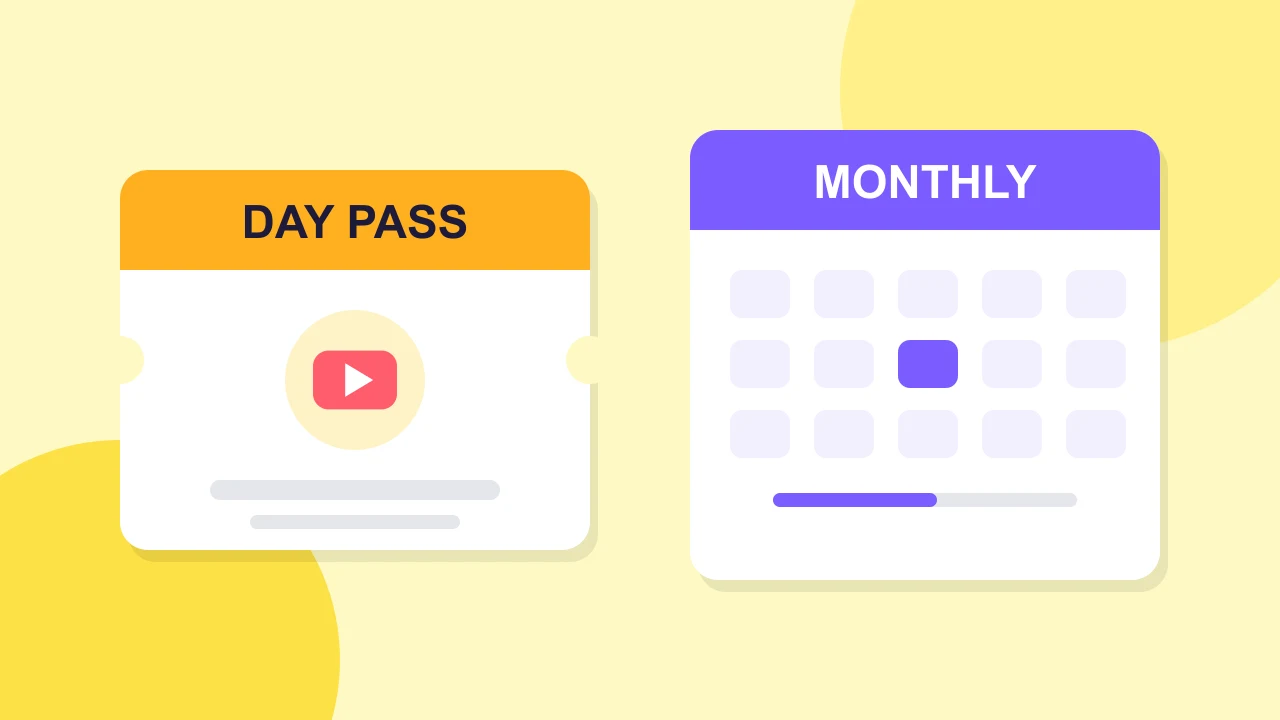
Paid plans are not open yet, so there is no Day Pass or monthly plan to buy today. Everyone is on the Free plan during the beta, and nothing needs to be paid. This guide shows what is live now and how to decide when paid options open.
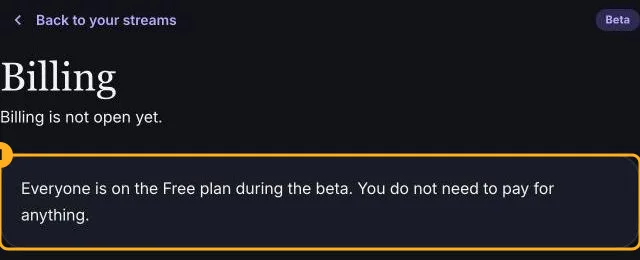
Open Billing in the app. It says billing is not open yet and that everyone is on the Free plan during the beta.
The Free plan holds six people in the studio and three on stage, host included. People connect directly with each other. It has no watermark and needs no card. To use it for your next show, follow how to live stream on YouTube with guests.
Free fits a show with up to three people on stage, where guests can connect directly. If your show fits those limits, there is nothing to buy.
A Standard plan is planned for shows that need more people than Free allows, or a different way for guests to connect. We have not published prices, hours, a Day Pass length or regional availability. So we cannot say which option costs less, and we do not claim a point where one beats the other.
When billing opens, write down three things.
A one-time pass suits an occasional event. A monthly plan suits regular shows. Compare the real prices for your region at that time. For how charges, renewals and cancellations will work, read how StreamEasyStudio billing works.
A paid plan is not the first fix when a guest cannot connect. Start with what to do when a guest cannot connect.
Going live
Billing is not open yet. Learn what is true today on the Free plan and what we have not published about hours, renewals and cancellation.
Going live
Connect your channel, invite guests with one link and go live on YouTube from the browser. No guest accounts, no downloads and no watermark on the Free plan.
Fixing problems
Tell guest connection from YouTube delivery, check the basics, try another network and know when to run the show with fewer people on stage.